

Cheque Deposit Kiosk for Banks
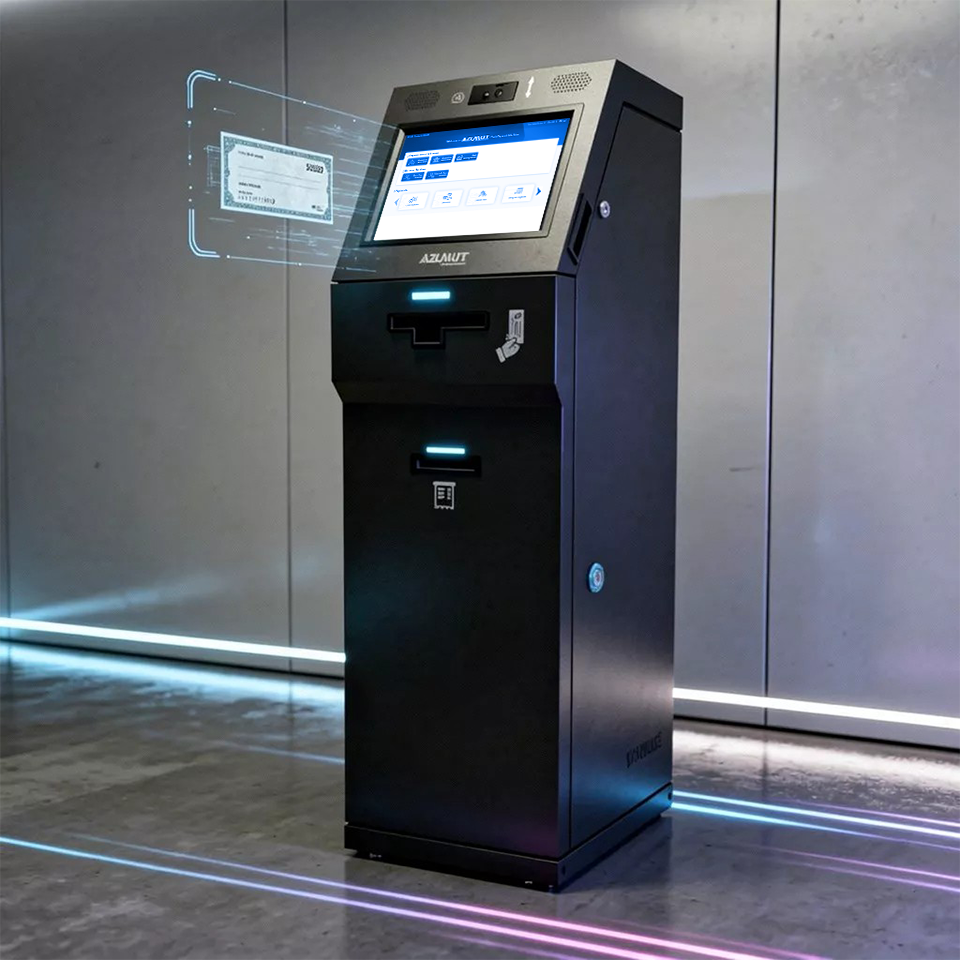
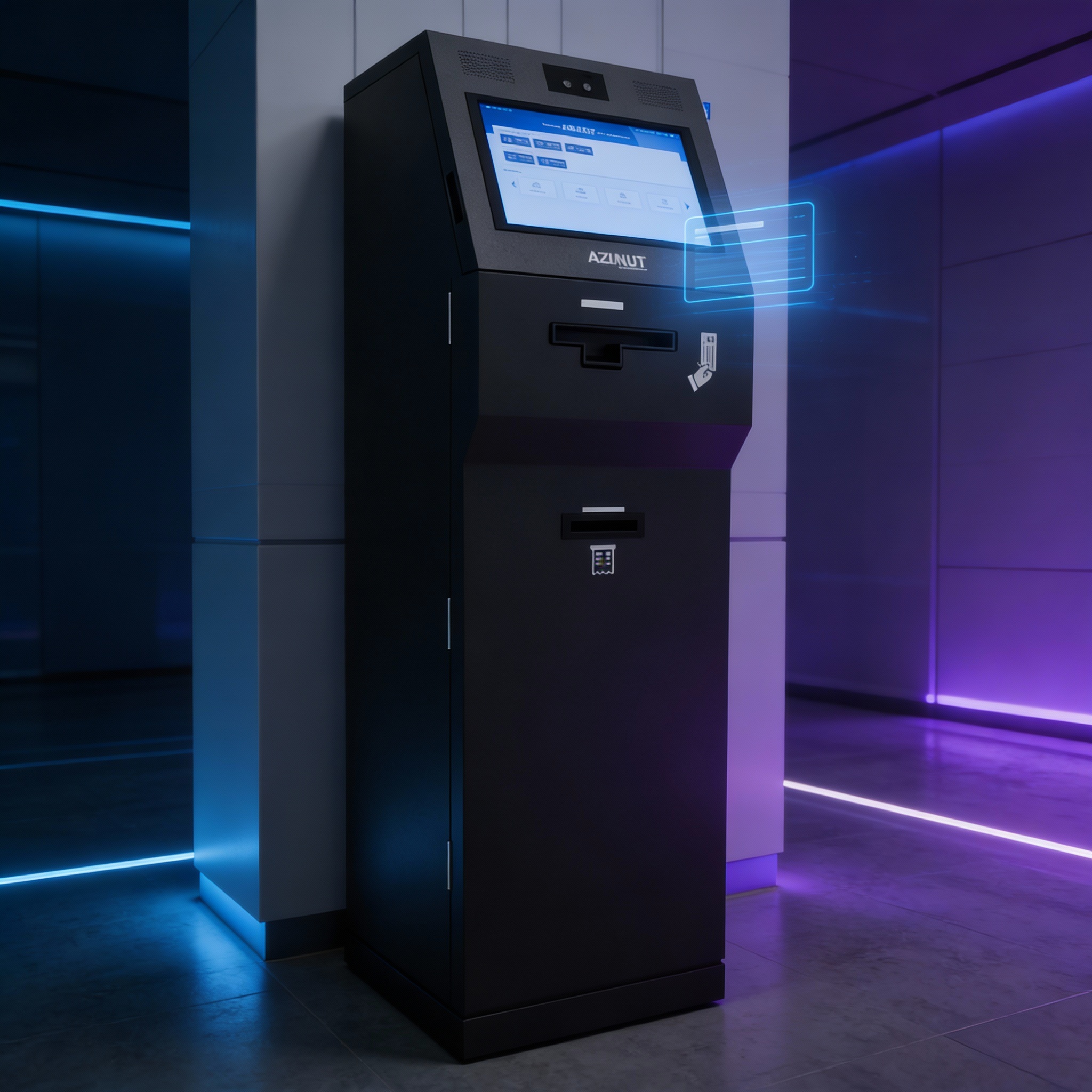
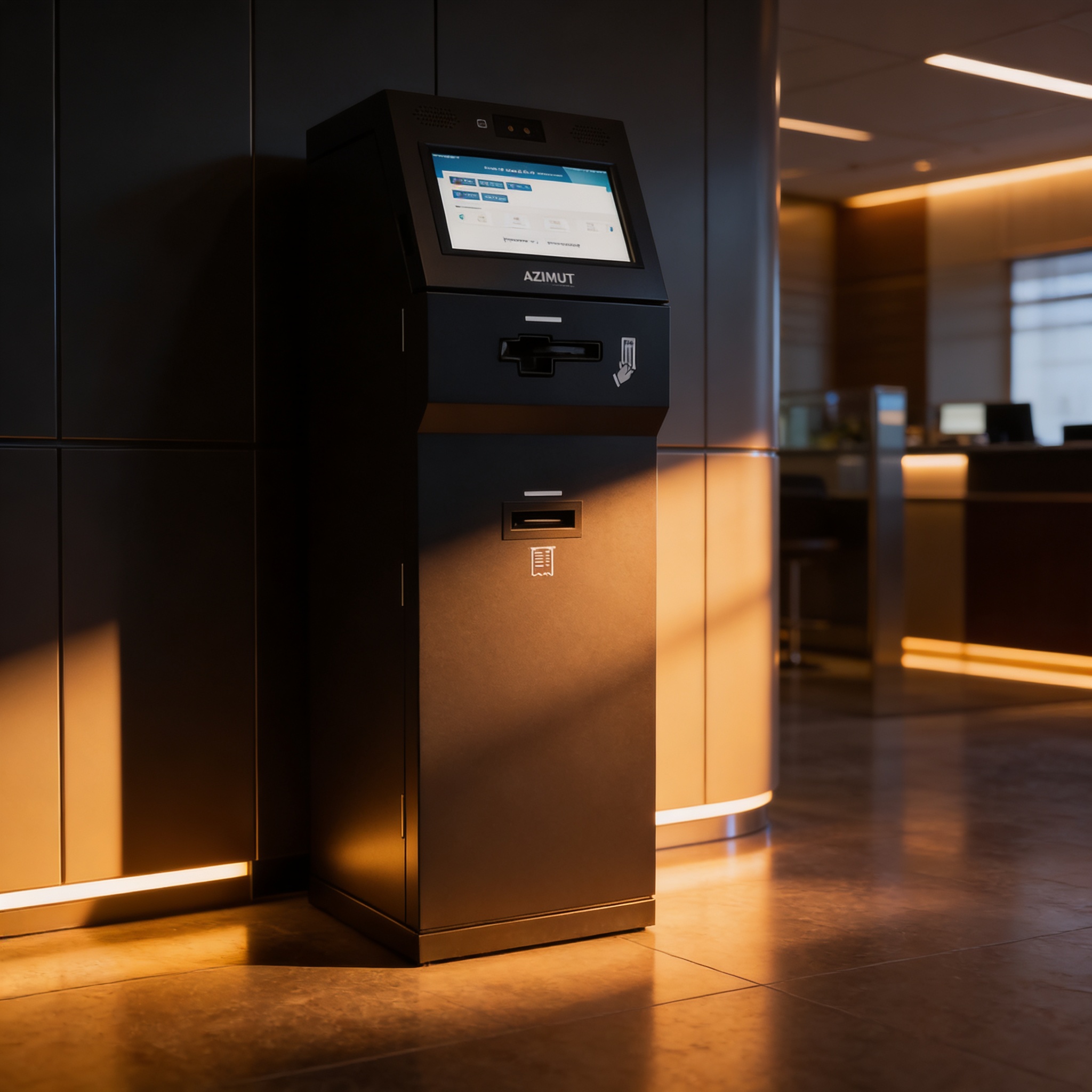
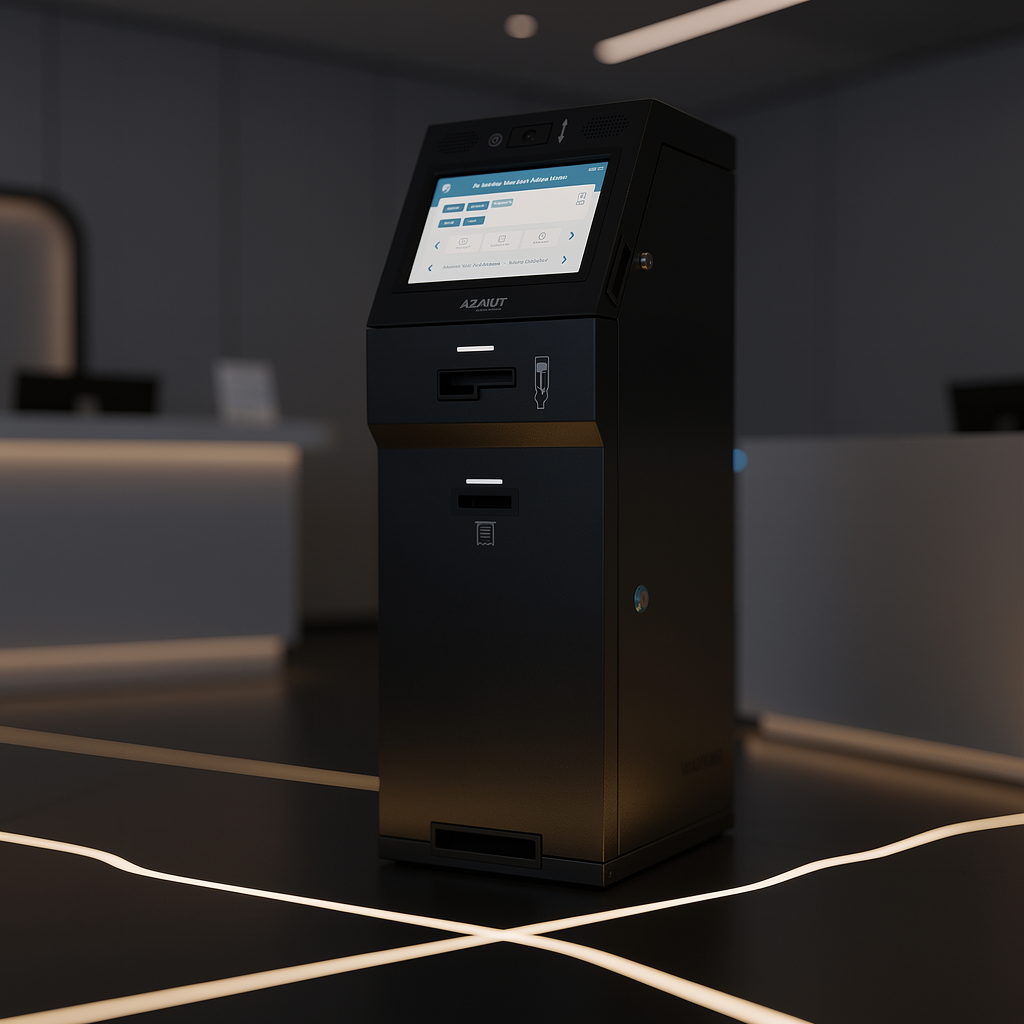
Hardware first cheque deposit kiosk with MICR/UV imaging, endorsement printing, and secure storage managed under ViaOS, a modern platform built for financial institutions.
Trusted in 70+ countries


Cheque Deposit Kiosk
Secure Cheque Deposits, Simplified
Designed for branch, lobby, or off-premise banking, it accepts one cheque at a time, captures cheque images, and stores up to 500 cheques in a secure box with OTP-triggered locking.
Turn Data Into Insights
Capture, verify, and secure every cheque

Real-Time Monitoring
A 15” HD touchscreen guides customers through cheque intake while an HD camera supports customer/transaction capture for clearer audit trails across the cheque deposit workflow.
Seamless Integration
MICR and UV reading help validate cheque details while producing TIFF/JPEG cheque imaging outputs that can be routed to back-office workflows and truncation processes as required.
Flexible Deployment
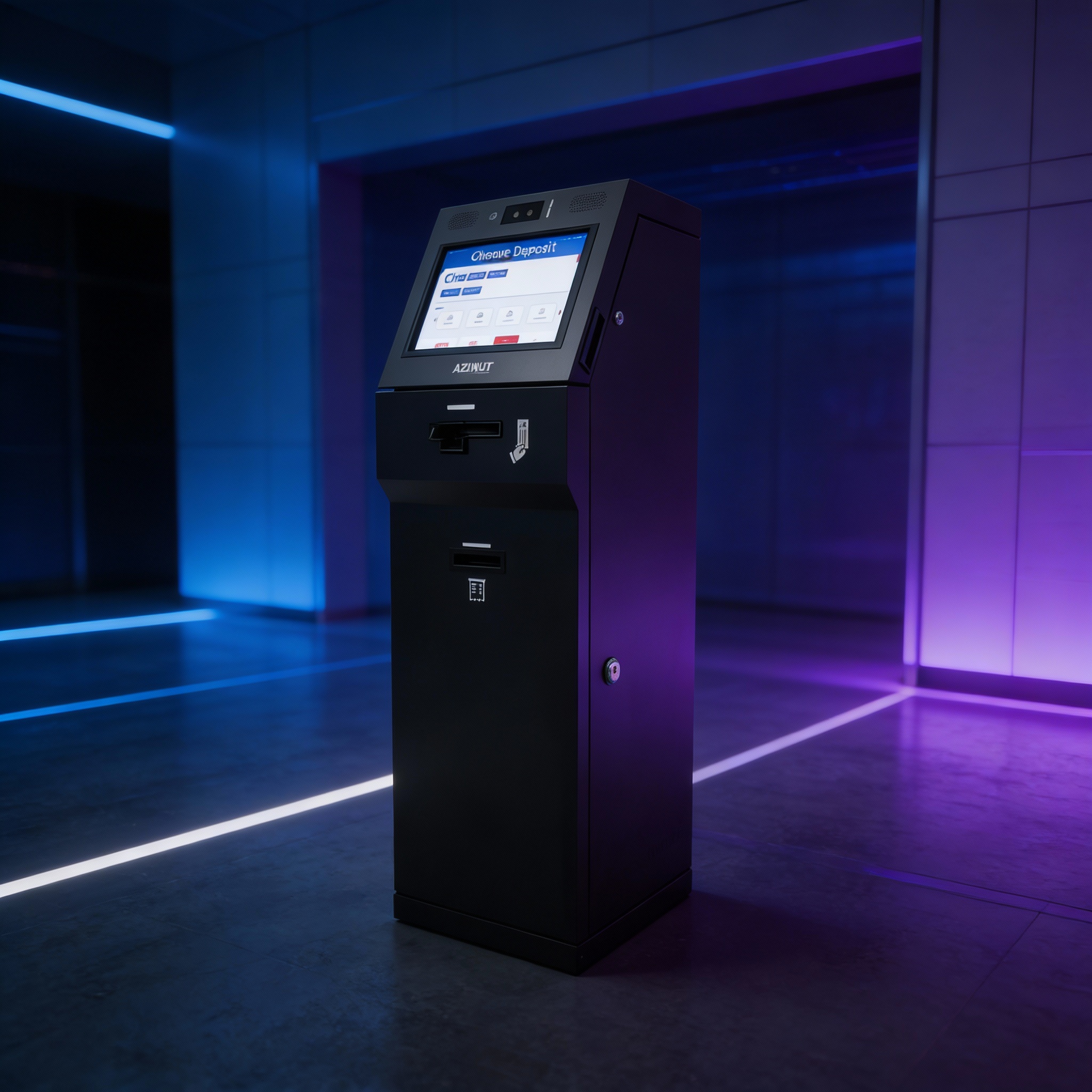
A secure cheque box/vault with OTP-triggered electronic lock, alarms, and tamper sensors supports controlled access and safer handling from deposit to collection.
Key Features & Capabilities
15” Touch Interface
A 15” HD touchscreen provides a clear customer journey for deposit entry and confirmations. The Windows & android controller box (PC controller) supports kiosk compute needs, while the HD camera can support customer/transaction capture where policy requires and improves traceability for exceptions.
Single Cheque Acceptor
The cheque acceptor module supports single-cheque intake with controlled acceptance behavior. Designed to reduce handling errors, it helps standardize how cheques are inserted and processed while keeping the customer experience consistent across branches and deployment locations.
MICR + UV Verification
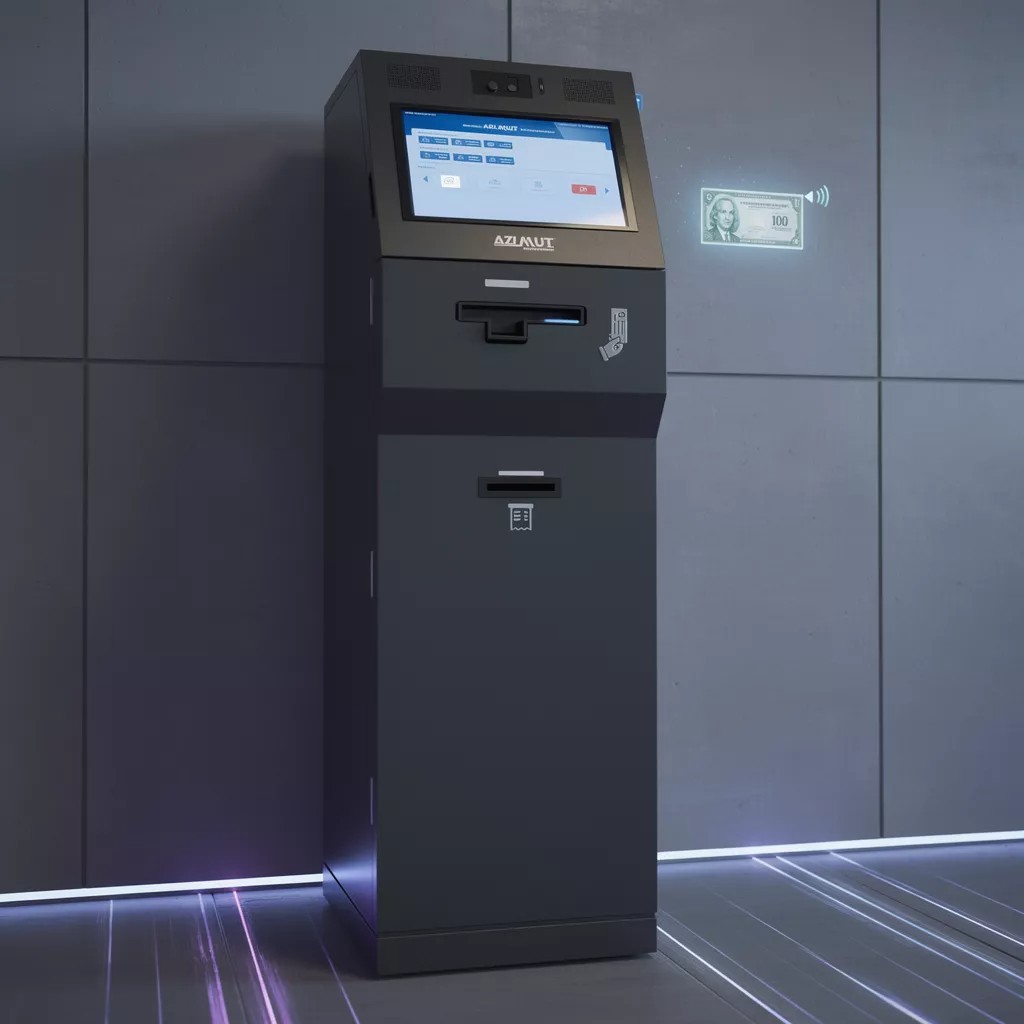
MICR reading and UV reading/UV image capture support stronger cheque validation and image-based workflows. Output formats include TIFF/JPEG cheque imaging, helping downstream systems review, archive, and reconcile cheque deposits with consistent image quality.
Endorsement Printing
Rear-of-cheque endorsement printing supports standardized processing and helps align with internal handling procedures. The kiosk can apply endorsement printing as part of deposit processing to reduce manual stamps and improve consistency across locations and operator shifts.
Secure Vault & Access Control
A secure cheque box/vault stores up to 500 cheques, paired with an OTP-triggered electronic lock. Alarms plus intrusion/tamper sensors support physical security expectations in unattended environments, helping teams manage access and collections with clearer control.
Benefits & Outcomes
Counter Deflection
Clear Audit Trail
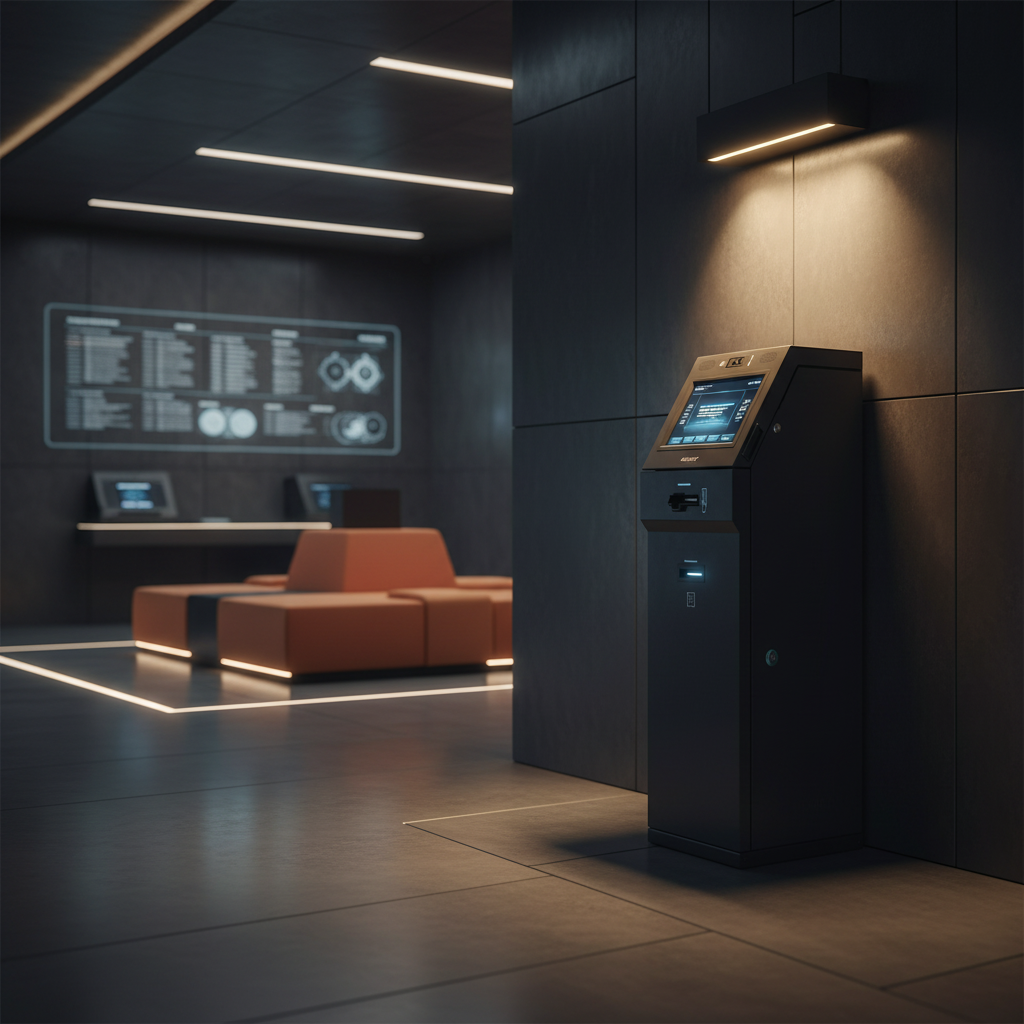
Strengthens traceability with HD camera capture, cheque imaging, and printed receipts, supporting faster investigation of exceptions and clearer customer communication when deposits need review.
Planned Maintenance
Supports better uptime planning via device health telemetry and maintenance practices, aligning with guidance that sensors and condition-based monitoring can reduce unplanned downtime in field equipment.
Faster Issue Resolution
Reduces friction when issues require assisted support by preserving deposit context (images, reference details, receipts), aligning with findings that avoiding repeat information can save assisted handling time.
Procurement Ready Specs
Enables procurement and operations teams to spec hardware confidently screen, controller, acceptor, vault capacity, lock method, printer, and security sensors before finalizing middleware and core banking connectors.
Where Cheque Deposit Kiosks Makes an Impact
Banking & Financial Services
Reduce manual cheque intake steps by standardizing deposit capture, imaging, and secure storage with purpose-built hardware
Healthcare & Hospitals
Supports payment and document-style kiosk workflows where controlled intake and printed receipts matter, especially in high-traffic lobbies.
Government Services
Useful for controlled document handoff and receipt issuance in unattended service areas when auditability and physical security are priorities.
Telecom
Applies the same unattended hardware discipline secure enclosures, peripherals, and controlled access to other self-service deployments.
Education & Universities
Helps manage distributed kiosk fleets with consistent device behavior and operational visibility for facilities and IT teams.
Retail
Supports service desk relief models where customers prefer guided self-service with clear receipts and consistent device behavior.
Wavetec’s queue management solutions have significantly improved our customer experience by reducing wait times and optimizing service efficiency.
Delte Air Lines

Frequently Asked Questions
Everything you need to know about the solution.
A cheque deposit kiosk is a self-service terminal that lets customers deposit cheques without teller assistance. It typically accepts one cheque at a time, captures cheque images (including MICR/UV where required), prints a receipt and any needed endorsement, and stores deposits in a secure cheque box/vault for controlled collection.
Common KPIs include assisted deposit deflection, device uptime, receipt reprint requests, exception rate (rejects/manual review), and average time-to-complete a deposit. KPI definitions vary by bank policy and how imaging and validation outputs are used downstream.
The kiosk is built for middleware and core banking integration readiness via APIs/connectors. Imaging outputs (TIFF/JPEG) and extracted cheque data can be routed to bank workflows, including truncation processes where required.
Both models are possible depending on your bank’s architecture. Some teams prefer on-prem for network segmentation and data residency, while others centralize telemetry and management services in private or hybrid environments.
Physical controls include a secure cheque box/vault (up to 500 cheques), OTP-triggered electronic lock, alarms, and intrusion/tamper sensors. Operational controls can include role-based access for users and optional fingerprint biometric reader where identity policy requires it.

Still have questions?
Can’t find the answer you’re looking for? Please chat to our friendly team.